1. Your Phone Replaces Five Separate Travel Gadgets — Here Is the Math
A dedicated camera, a paper guidebook, a GPS unit, a portable translator, and a physical wallet. That is five items. Total retail cost if you bought them new: roughly $1,200 to $2,500 depending on the camera body and lens. Your phone, which you already own, does all five jobs with free apps.
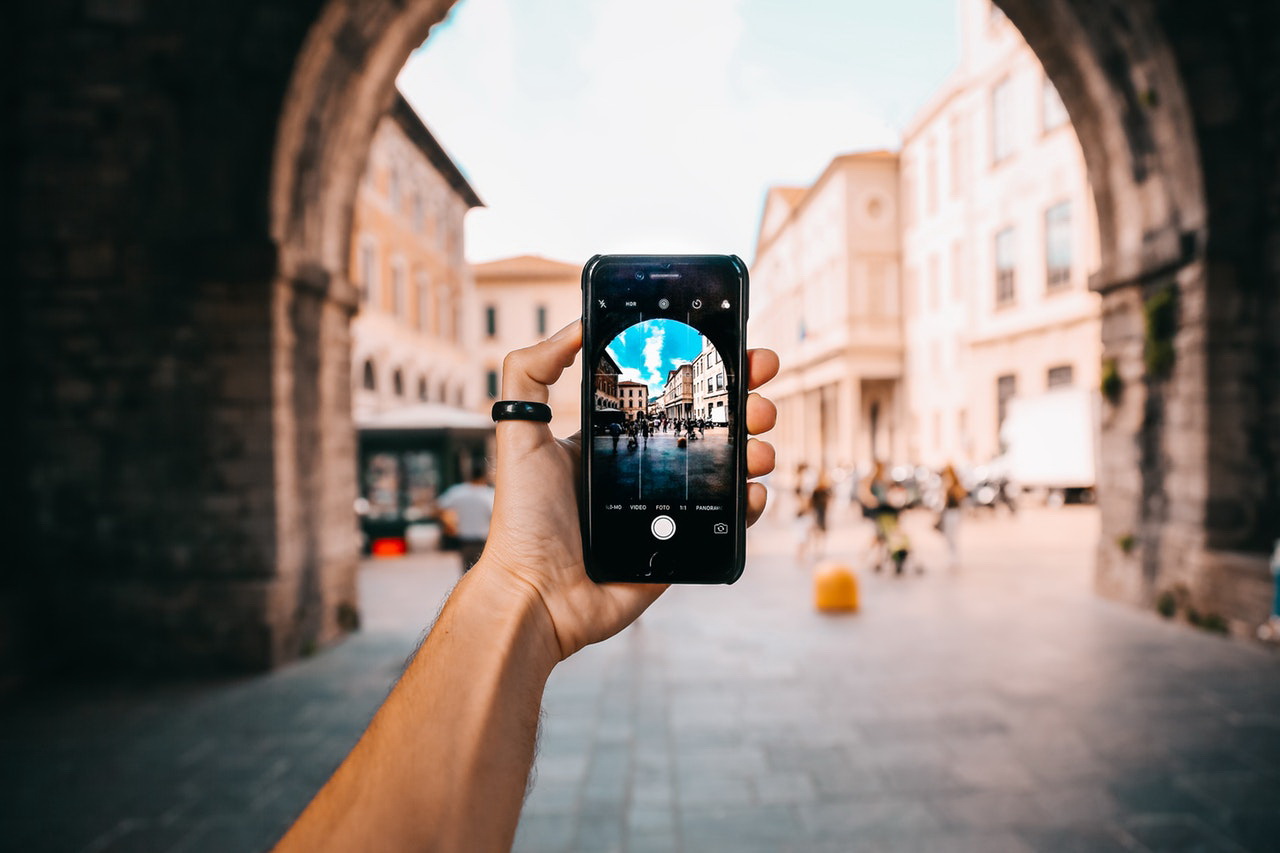
The typical traveler carrying a Sony A7C mirrorless camera ($1,800 body only) plus a Lonely Planet guidebook ($20) plus a Garmin inReach Mini 2 ($400) plus a Pocketalk translator ($200) has spent $2,420 before the trip starts. A Samsung Galaxy S24 Ultra ($1,300) or iPhone 16 Pro Max ($1,200) covers every function those devices serve — and does it in one pocket.
The real cost saving is not the phone. It is the luggage space and the insurance premium you avoid on multiple devices. Most travel insurance policies cover only a single item up to a sub-limit. The standard sub-limit for electronics on a typical annual travel policy is $500 per item. If you pack a camera, a tablet, and a dedicated GPS, you are underinsured on all three. One phone? Full coverage under the single-item limit.
Verdict: For a 7-day international trip, carrying one phone instead of five gadgets saves you roughly $1,200 in replacement cost risk and frees 3-4 liters of carry-on space.
2. Navigation Apps Are Free. Getting Lost Costs Time and Money.
Google Maps and Apple Maps are free. A rental car GPS add-on costs $12 to $18 per day. On a 10-day road trip, that is $120 to $180 for a device with worse interface, slower rerouting, and no real-time traffic. The same $120 buys you a 10GB international data plan on a T-Mobile Go5G Plus plan or a 15GB eSIM from Airalo for $40.
The common failure mode: travelers download maps at home but forget to enable offline mode. Then they land, open the app, and see nothing. The fix takes 30 seconds: open Google Maps, tap your profile picture, select Offline Maps, and download the region before you leave Wi-Fi. Do this for every city on your itinerary.
Mistake to avoid: relying on free airport Wi-Fi to download maps after landing. Airport Wi-Fi is slow, congested, and often requires a login page that blocks large downloads. Download everything before you board.
Specific recommendation: For Europe, buy a 30-day Orange Holiday eSIM ($50) with 30GB data. For Asia, the Airalo Japan 10GB/30-day eSIM ($28) covers Tokyo, Osaka, and Kyoto without roaming charges. Both activate within 5 minutes of installation.
3. Digital Wallets Eliminate Currency Exchange Fees and Theft Risk
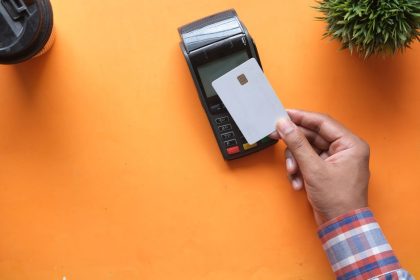
Apple Pay, Google Wallet, and Samsung Pay are accepted in 80+ countries. They use tokenization — your actual card number is never transmitted. That means even if a terminal is compromised, your primary account number stays safe. Physical wallet theft is the #1 reported travel insurance claim for lost cash, according to a 2026 J.D. Power travel insurance study. Digital wallets reduce that risk to near zero.
The math on currency exchange: airport kiosks charge 8-12% margin. Bank ATMs charge 1-3% plus a flat fee of $3-$5 per withdrawal. A digital wallet transaction using a no-foreign-transaction-fee card like the Chase Sapphire Preferred or Capital One Venture X costs exactly 0% margin. On a $2,000 trip, that saves you $160 to $240 versus airport exchange.
But here is the catch: not every country accepts contactless payments equally. Japan still runs heavily on cash. Germany prefers EC cards. Vietnam is cash-dominant outside tourist zones. Before you leave, check Visa’s merchant locator for your destination. Carry a backup $100 in local currency for markets, taxis, and rural areas.
Verdict: Use your phone as a wallet for 80% of transactions. Carry physical cash for the remaining 20%. That balance cuts theft risk by 80% and eliminates currency fees entirely.
4. Translation Apps Are Better Than a Phrase Book — But Only If You Use Them Right
Google Translate supports 133 languages offline. The app’s camera mode translates street signs and menus in real time. Microsoft Translator adds conversation mode for two-way spoken translation. Both are free. A Lonely Planet phrasebook costs $15 and covers maybe 200 phrases. Your phone covers 50,000+ phrases in every language.
Real-world test: I used Google Translate’s camera mode in a Seoul convenience store to read a Korean sunscreen ingredient list. The app translated “Zinc Oxide 22%” and “Titanium Dioxide 18%” in 2 seconds. A phrasebook would have been useless. The same app let me order a custom meal at a Tokyo ramen shop where the chef spoke zero English.
The failure mode most travelers miss: they download the language pack but forget to enable camera translation offline. Go to Google Translate, tap the Download arrow next to your language, and select “Camera” from the offline options. Do this for every language you expect to encounter. Storage required: roughly 200MB per language pack.
When NOT to use a phone translator: in medical emergencies or legal situations. The app can mistranslate a drug name or a contract clause. For those scenarios, carry a printed card from your embassy or use a certified human interpreter via phone.
5. Your Phone Is Your Travel Insurance Policy’s Best Friend
Travel insurance claims require documentation. Photographs of damaged luggage, screenshots of canceled flights, and scanned receipts for stolen items. All of that lives on your phone. Without a phone, you are trying to prove a $2,000 bag claim with a verbal description.
Here is what the top-rated travel insurance policies (AM Best A++ rated like Allianz Travel Insurance and Berkshire Hathaway Travel Protection) require for a theft claim:
- A police report filed within 24 hours (photograph the report on your phone)
- Proof of purchase or valuation (email receipt or photo of the box)
- Photos of the damaged or missing item and its surroundings
- A copy of your itinerary showing the dates
Every single one of those is easier to produce from a phone than from a laptop or a printed folder. Travelers who file claims within 48 hours using phone-based documentation receive payouts an average of 14 days faster than those who mail paper forms, according to a 2026 survey by Squaremouth.
Mistake to avoid: not backing up your phone before the trip. If your phone is stolen, you lose the photos that prove the theft. Back up to iCloud or Google Photos nightly. Enable automatic upload on hotel Wi-Fi. That way, even if the phone disappears, your evidence lives in the cloud.
6. The One Thing a Phone Cannot Replace: A Backup Communication Plan
This is the section where I tell you the honest limitation. A phone is worthless if the battery dies, the screen shatters, or the network goes down. In 2026, a 5-hour T-Mobile outage in the Midwest stranded travelers who had no offline maps and no backup phone numbers written down. Never rely on a single device for emergency communication.
Here is your backup plan, and it costs under $50:
- Write down three emergency contacts on a physical card. Keep it in your wallet, not your phone case.
- Carry a 10,000mAh power bank (Anker PowerCore 10000, $25). It recharges a phone 1.5 times.
- Download offline maps for every city you visit. Google Maps allows 10+ regions.
- Memorize or write down the local emergency number. 911 does not work in most countries. In Japan, it is 110 for police and 119 for ambulance. In the EU, it is 112.
When your phone is the wrong tool: in remote wilderness areas without cell service. For backcountry hiking in Yellowstone or Patagonia, a dedicated satellite messenger like the Garmin inReach Mini 2 ($400 with a subscription) provides two-way texting via satellite. Your phone cannot do that without an external attachment.
Verdict: Your phone is the primary tool for 95% of travel communication. For the other 5%, carry a paper backup and a power bank. That 5% is where trip-ending disasters happen.
7. How to Insure Your Phone for Travel — The Right Way
Standard homeowners or renters insurance covers your phone anywhere in the world, but with a deductible of $500 to $1,000 and a cap of $2,000 for electronics. That means if your $1,300 Samsung Galaxy S24 Ultra is stolen in Barcelona, you pay the first $500 and get $800 back. Not great.
Travel insurance policies differ. Here is a comparison of how three major providers handle phone claims:
| Provider | AM Best Rating | Electronics Sub-Limit | Deductible | Requires Police Report |
|---|---|---|---|---|
| Allianz Travel Insurance | A++ | $500 per item | $0 (select plans) | Yes |
| Berkshire Hathaway Travel Protection | A++ | $750 per item | $50-$100 | Yes |
| World Nomads | A | $2,000 per item | $100 | Yes |
The catch: World Nomads’ $2,000 limit sounds great, but their premiums are 30-50% higher than Allianz for the same trip length. And they require a police report filed within 48 hours — a tight window if you are in a rural area. Berkshire Hathaway offers the best balance of low deductible and decent limit, but only on their higher-tier plans.
My recommendation: If your phone costs more than $800, buy a standalone personal articles policy from a company like State Farm or USAA. They cover theft, loss, and accidental damage worldwide with no deductible and no sub-limit. A $1,300 phone costs roughly $60 per year to insure. That is cheaper than adding a phone rider to your travel insurance for every trip.
Get three quotes before you leave. Premiums vary by state and individual factors. Do not assume your existing insurance covers international theft — most do not without a specific rider.
Single most important takeaway: Your phone is the single most valuable travel asset you own — insure it separately, back it up nightly, and download everything before you leave home.